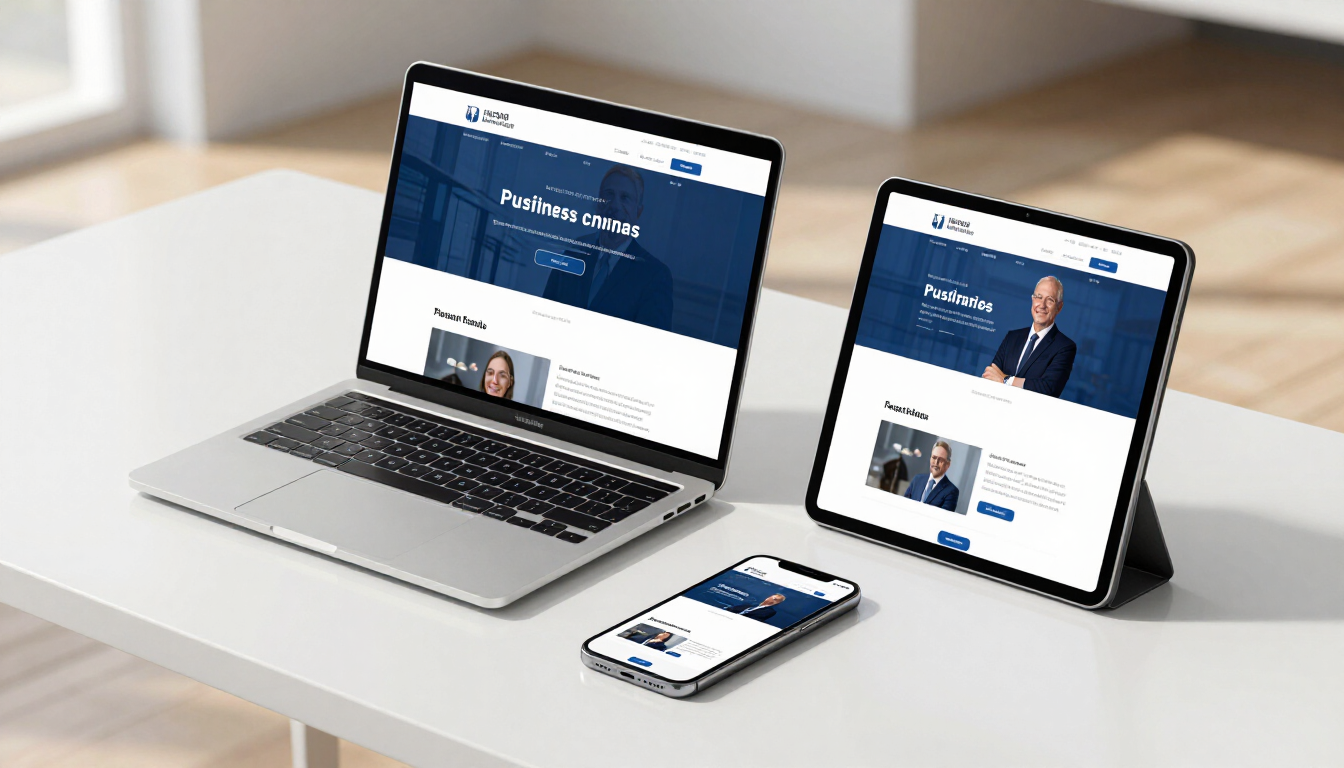


Stop Losing Leads With These 7 Website Mistakes

December 5, 2025

Why Your Website Is Not Turning Visitors Into Customers

Most business owners think they have a “website problem” when what they really have is a conversion problem.


Your site is live, traffic is coming in… but inquiries and sales are not where they should be.


In many cases, it’s not about getting more visitors.

It’s about fixing the silent issues that make ready-to-buy people click away.


Here are 7 common website mistakes that quietly kill conversions – and how to fix them.

Glowing funnel with people figures, representing conversion and filtering process.

1. Confusing Above-the-Fold Section

The first screen a visitor sees should answer three questions in seconds:

  • What do you offer?
  • Who is it for?
  • What should they do next?


Conversion killers:

  • Generic headlines like “Welcome to Our Website”
  • Busy hero images with no clear message
  • Multiple buttons with different actions


Fix it:

Use a simple, clear structure:

  • Headline: What you do (and who it’s for)
  • Subheadline: How you solve the problem or what result they get
  • Primary CTA button: “Get a Free Quote,” “Book an Appointment,” “Request Pricing,” etc.


Think of it as your elevator pitch + one action.

2. No Clear Call to Action (Or Too Many)

If people have to think about what to do next, most of them won’t do anything.


Conversion killers:

  • Different CTAs on every section (“Learn More,” “Contact,” “See More,” “Find Out More”)
  • No visible CTA on mobile
  • Only a small button hidden in the header


Fix it:

  • Choose one main CTA and repeat it throughout the page
  • Use action-based phrasing: “Request a Quote,” “Schedule a Call,” “Book Your Session”
  • Make sure the CTA is visible on both desktop and mobile without squinting or zooming


Consistency builds momentum.

3. Slow, Heavy Pages (Especially on Mobile)

You can have the best design, but if your site loads like it’s on dial-up, people will leave.


Conversion killers:

  • Huge uncompressed images
  • Too many scripts, pop-ups, and animations
  • Background videos that don’t lazy-load


Fix it:

  • Compress images before uploading
  • Remove unnecessary widgets and plugins
  • Optimize for mobile first (because most users are browsing on their phone)


Fast websites feel more professional and trustworthy, even if visitors can’t explain why.

4. Walls of Text With No Structure

People scan first, then decide if they want to read.


If your content looks like one big paragraph, you’re losing them before your message lands.


Conversion killers:

  • Long blocks of text without headings
  • No bullet points or line breaks
  • Important info buried in the middle of a paragraph


Fix it:

  • Use clear headings (H2, H3) for each section
  • Break text into short paragraphs
  • Use bullet points for benefits, features, and processes
  • Highlight key bits of text with bold for emphasis


Your content can be detailed — it just has to be easy to skim.

5. No Social Proof (Or It’s Hard to Find)

People trust what other people say about your business more than you. That’s where social proof comes in.


Conversion killers:

  • Testimonials hidden on a separate page only
  • Old reviews from years ago
  • No proof of results or real client names


Fix it:

  • Add testimonials to key sections (home, services, contact)
  • Use names, photos (if allowed), and specific results instead of generic praise
  • Include logos of brands you’ve worked with or platforms you’re listed on
  • If you have star ratings on Google or Facebook, showcase them


Make it clear that real people have had a good experience with you.

6. Overcomplicated Forms

Every extra field is another reason for someone to abandon the form.


Conversion killers:

  • Asking for too much information upfront
  • Required fields that aren’t actually necessary
  • No confirmation message after submitting


Fix it:

  • Ask only what you really need for the first contact (name, email/phone, brief message, service type)
  • Make the form visually simple and clean
  • Add a clear confirmation message like:


“Thank you! We’ll get back to you within 24 hours.”


You can always collect more details later once they’re already engaged.

7. Inconsistent Branding and Messaging

Your website, logo, images, and copy should feel like they belong to one brand.


Conversion killers:

  • Random colors and fonts on different pages
  • Mixed tones of voice (formal on one page, super casual on another)
  • Stock photos that don’t match your audience or industry


Fix it:

  • Decide on a simple brand system: main color, accent color, font pairing
  • Use the same tone of voice across all pages
  • Add real photos of your work, team, or office wherever possible


When your website looks and sounds consistent, it feels more reliable — and people are more comfortable taking the next step.

How Optima Boost Can Help

You don’t need “just a website.”

You need a site that turns visitors into inquiries, bookings, and sales.


At Optima Boost, we focus on:

  • Clear, conversion-focused layouts
  • Fast, mobile-friendly builds
  • Content that speaks directly to your ideal clients
  • Smart on-page SEO so people can actually find you


If you feel like your website is not bringing in enough leads, that’s something we can fix.

Ready to Turn Your Website Into a Lead-Generating Asset?

If you’re tired of guessing what’s wrong with your site, let’s make it simple.


Need help with a web design or redesign? Contact Optima Boost today for a free quote.

Recent Posts

Smartphone displaying app interface with search icons, dark setting.
By Kim Tablac December 26, 2025
Christmas is one of the busiest seasons for businesses. People are actively searching for gifts, services, and last-minute deals. While social media helps create buzz, a website is what turns that attention into real inquiries, bookings, and sales.
Laptop and phone displaying design elements on a dark desk. The phone shows a video call interface.
By Kim Tablac December 19, 2025
Brand consistency builds trust fast. Use this simple checklist to keep your logo, colors, fonts, photos, and messaging aligned across your website and social profiles.
Black tablet floating with red light underneath, screen showing an interface, against dark background.
By Kim Tablac December 12, 2025
Website maintenance is not just updates. Learn the simple weekly and monthly checks that prevent broken forms, slow speed, and SEO drops that cost you leads.
Laptop displaying a website on a dark background.
By Kim Tablac December 1, 2025
Using Geminii Esthetics as an example, we break down what makes a service business website convert better—clear messaging, easy booking, and strong trust signals.
Laptop displaying a sales funnel and data visualizations, highlighted in red on a dark background.
By Kim Tablac November 28, 2025
Turn your website into a lead machine with clear messaging, strong CTAs, proof, and simple UX. Learn how to turn clicks into real clients step-by-step.
Laptop on a desk with papers, glowing screen displaying a website and floating red squares in a dark room.
By Kim Tablac November 25, 2025
A lot of businesses still treat their website like a digital flyer: some nice photos, a list of services, a phone number, and that’s it. The problem? Brochures don’t follow up, collect leads, or help you close deals while you sleep.
Silhouette of a person interacting with a website interface, highlighted in red. Includes wrenches and code symbols.
By Kim Tablac November 24, 2025
Google is not just “showing links” anymore. With AI-generated overviews and a more conversational search experience, Google is starting to answer questions directly on the results page using artificial intelligence.

Share this article

Recent Posts

Smartphone displaying app interface with search icons, dark setting.
By Kim Tablac December 26, 2025
Christmas is one of the busiest seasons for businesses. People are actively searching for gifts, services, and last-minute deals. While social media helps create buzz, a website is what turns that attention into real inquiries, bookings, and sales.
Laptop and phone displaying design elements on a dark desk. The phone shows a video call interface.
By Kim Tablac December 19, 2025
Brand consistency builds trust fast. Use this simple checklist to keep your logo, colors, fonts, photos, and messaging aligned across your website and social profiles.
Black tablet floating with red light underneath, screen showing an interface, against dark background.
By Kim Tablac December 12, 2025
Website maintenance is not just updates. Learn the simple weekly and monthly checks that prevent broken forms, slow speed, and SEO drops that cost you leads.
Laptop displaying a website on a dark background.
By Kim Tablac December 1, 2025
Using Geminii Esthetics as an example, we break down what makes a service business website convert better—clear messaging, easy booking, and strong trust signals.
Laptop displaying a sales funnel and data visualizations, highlighted in red on a dark background.
By Kim Tablac November 28, 2025
Turn your website into a lead machine with clear messaging, strong CTAs, proof, and simple UX. Learn how to turn clicks into real clients step-by-step.
Laptop on a desk with papers, glowing screen displaying a website and floating red squares in a dark room.
By Kim Tablac November 25, 2025
A lot of businesses still treat their website like a digital flyer: some nice photos, a list of services, a phone number, and that’s it. The problem? Brochures don’t follow up, collect leads, or help you close deals while you sleep.
Silhouette of a person interacting with a website interface, highlighted in red. Includes wrenches and code symbols.
By Kim Tablac November 24, 2025
Google is not just “showing links” anymore. With AI-generated overviews and a more conversational search experience, Google is starting to answer questions directly on the results page using artificial intelligence.