
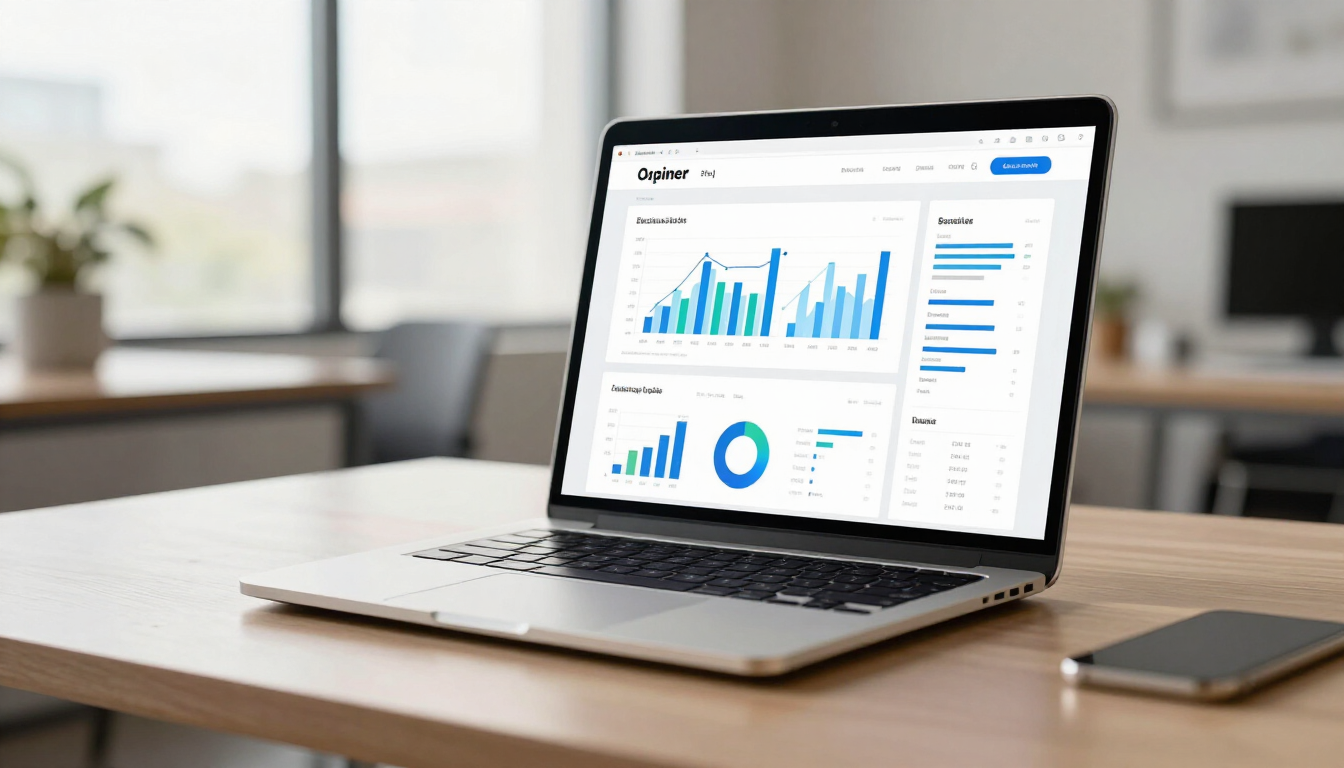
Discover how modern web design and data-driven UX impact your bottom line. Learn strategies to increase online sales and improve user experience for your business.
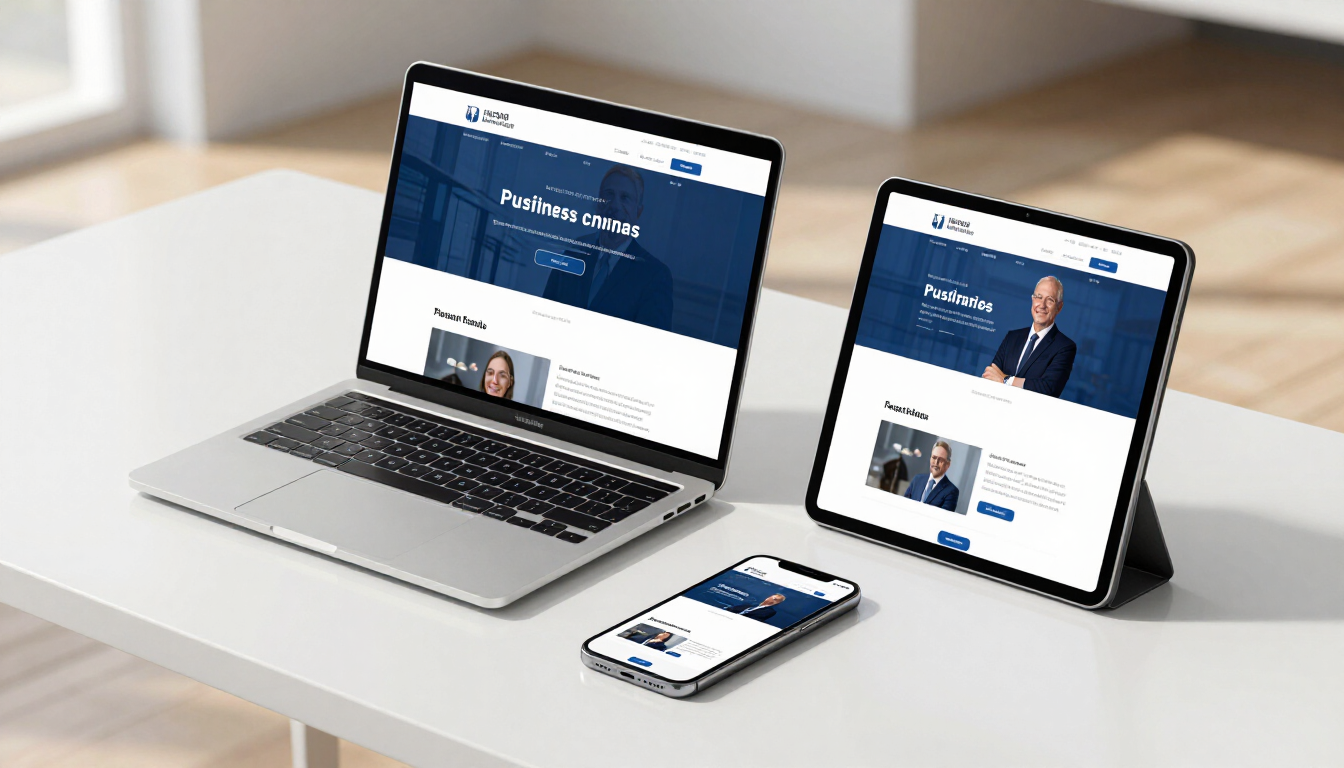
Discover why a professional business website is the top trend for 2026. Learn how SEO-optimized sites drive growth for startups and local service businesses.

The online world is moving fast. Use this simple framework to check if your website, SEO, and ads are ready for the next 12 months—and get a 30‑day action plan to upgrade your online presence.

Privacy rules are changing how websites and ads track visitors. Learn what this means for your small business and how to adjust your website, SEO, and ads so you can still get clear results—without creepy tracking.

AI is transforming websites, SEO, and online ads—but it doesn’t replace your brand. Learn how small businesses can use AI tools to get better results from their website, search traffic, and advertising without losing the human touch.
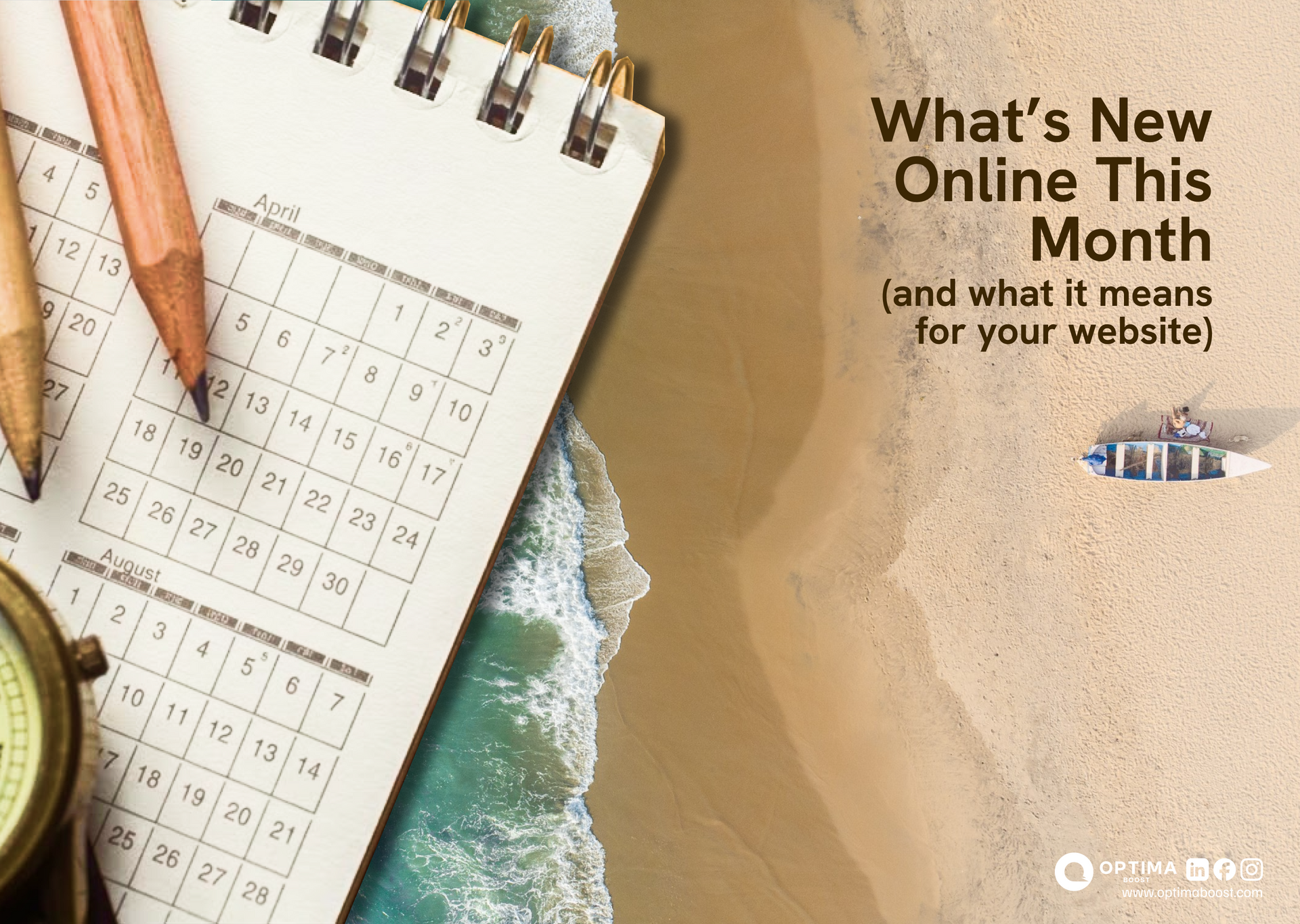
Keep your business ahead with our April digital roundup. Learn how new SEO, ads, and website trends impact your growth and get simple steps to stay competitive.

Local competition continues to grow as more businesses invest in their online presence. In 2026, customers are relying even more on search engines to find nearby services quickly and confidently.

A website should do more than look attractive—it should actively guide visitors toward becoming customers. Many small business websites receive traffic but struggle to convert that traffic into leads or sales.
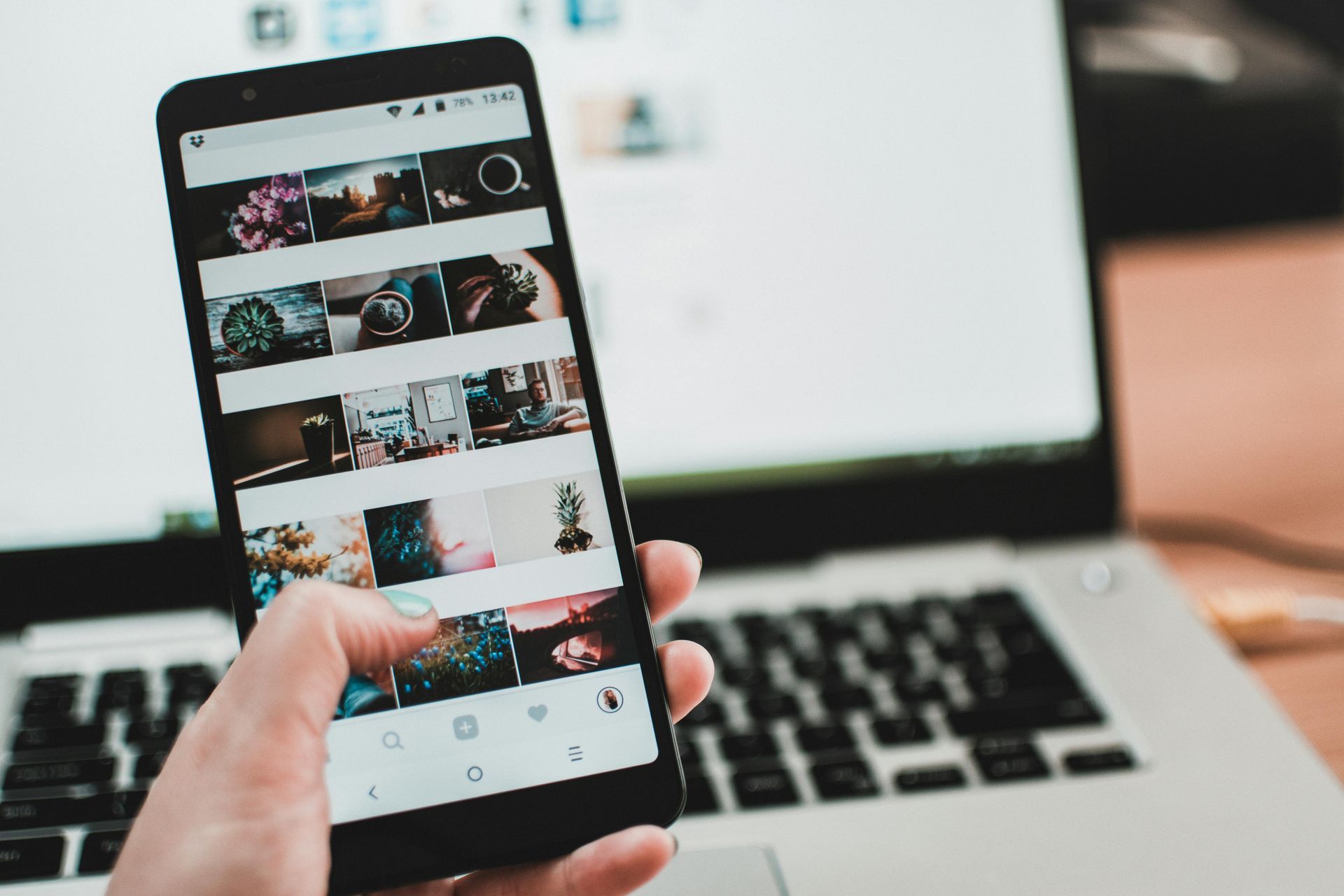
Mobile devices have become the primary way customers browse, research, and connect with businesses. If your website is difficult to use on a smartphone, you are likely losing valuable opportunities.

Your website is often the first impression customers have of your business. Poor design can quickly damage trust and credibility, even if your services are excellent. In competitive markets, a weak online presence can cost you valuable opportunities and long-term growth.
Discover how modern web design and data-driven UX impact your bottom line. Learn strategies to increase online sales and improve user experience for your business.
Discover why a professional business website is the top trend for 2026. Learn how SEO-optimized sites drive growth for startups and local service businesses.
The online world is moving fast. Use this simple framework to check if your website, SEO, and ads are ready for the next 12 months—and get a 30‑day action plan to upgrade your online presence.
Privacy rules are changing how websites and ads track visitors. Learn what this means for your small business and how to adjust your website, SEO, and ads so you can still get clear results—without creepy tracking.
AI is transforming websites, SEO, and online ads—but it doesn’t replace your brand. Learn how small businesses can use AI tools to get better results from their website, search traffic, and advertising without losing the human touch.
Keep your business ahead with our April digital roundup. Learn how new SEO, ads, and website trends impact your growth and get simple steps to stay competitive.
Local competition continues to grow as more businesses invest in their online presence. In 2026, customers are relying even more on search engines to find nearby services quickly and confidently.
A website should do more than look attractive—it should actively guide visitors toward becoming customers. Many small business websites receive traffic but struggle to convert that traffic into leads or sales.
Mobile devices have become the primary way customers browse, research, and connect with businesses. If your website is difficult to use on a smartphone, you are likely losing valuable opportunities.
Your website is often the first impression customers have of your business. Poor design can quickly damage trust and credibility, even if your services are excellent. In competitive markets, a weak online presence can cost you valuable opportunities and long-term growth.